
Courses, terms and sections that match how you teach
Create a course once, schedule it as many times as you need, and group the runs into terms. Enroll students in a section and everything else follows.
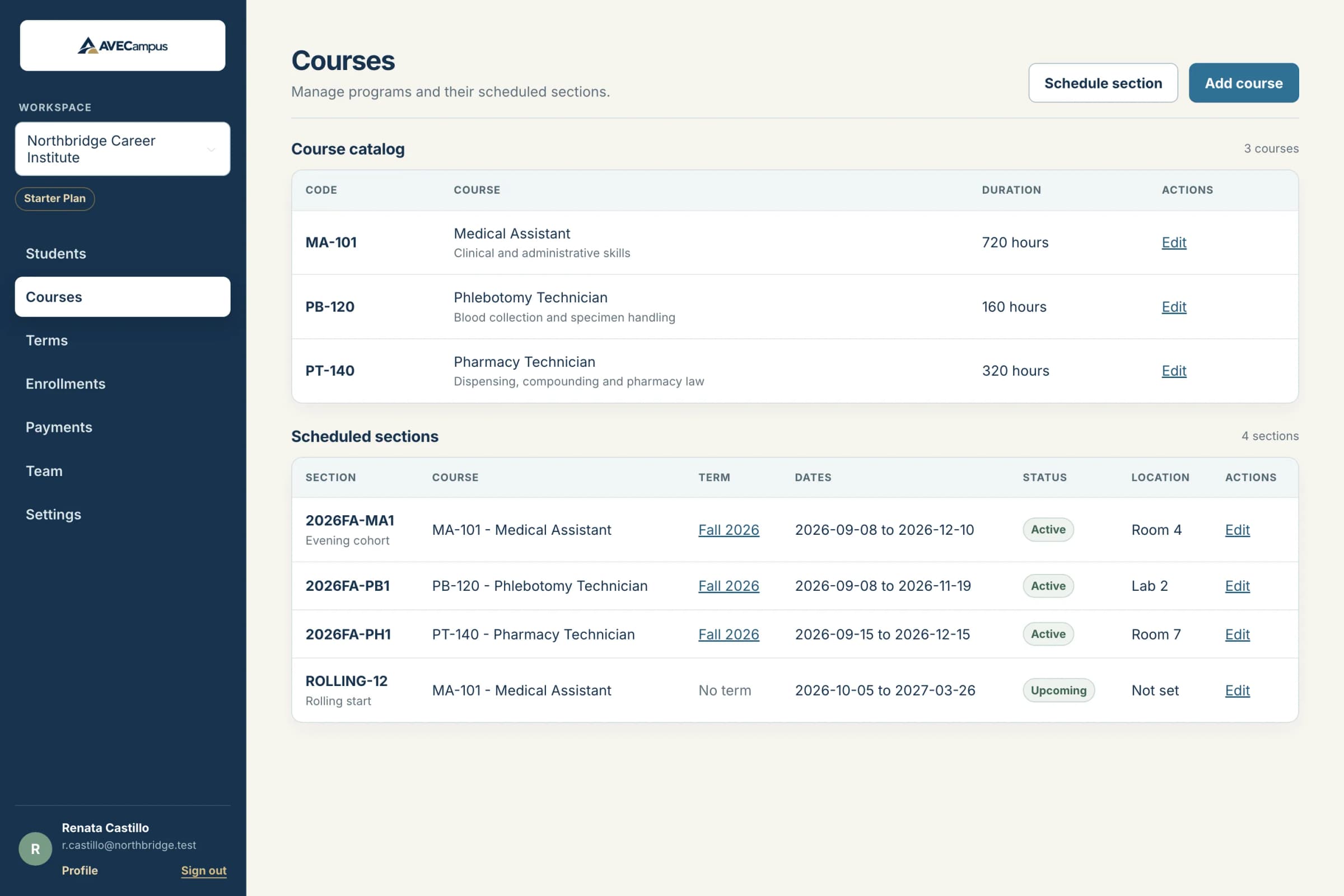
What you get
- A reusable course catalog with code, duration and price
- Terms such as Fall 2026 with dates and a derived status
- Sections with dates, capacity and location
- Optional terms for rolling-start programs
- Sections must fall inside their term's dates
- Enrollment statuses from pending to completed
- Session generation from recurring weekly meeting patterns
- Conflict checks for rooms and instructors
Course, term, section, enrollment
A course is what you teach. A term is a period on your calendar. A section is one dated run of a course, optionally inside a term. An enrollment places a student in a section, and the course and term are found through it, so they can never disagree.
Rules that prevent mistakes
A section cannot start before or end after its term, and a term cannot be re-dated so a section would fall outside it. Archived terms do not accept new sections.
Status you never have to update
Each term is shown as upcoming, active or completed based on its dates, with a live count of its sections and current enrollments.
Build the full class calendar at once
Choose the date range, meeting days and times, then generate every class session together. AVECampus checks the schedule for conflicts before it saves.
Common questions
Do I have to use terms?
No. Sections can exist without a term, which suits programs that start whenever a group is ready.
Can a section span two terms?
A section that belongs to a term must fit inside it. For a year-long course, leave the term empty or use a term that covers the year.
Related features
- Attendance trackingRecord present, late, absent or excused for every class day, with optional hours. See attendance rates and total hours for each enrollment instantly.
- Student recordsKeep every student profile, note and restricted ID detail organized in one system. Search fast, archive instead of delete, and control who can see what.
- Tuition and paymentsTrack charges, installment plans, payments, refunds and receipts for every student. Balances and overdue amounts are worked out for you. Export to CSV.